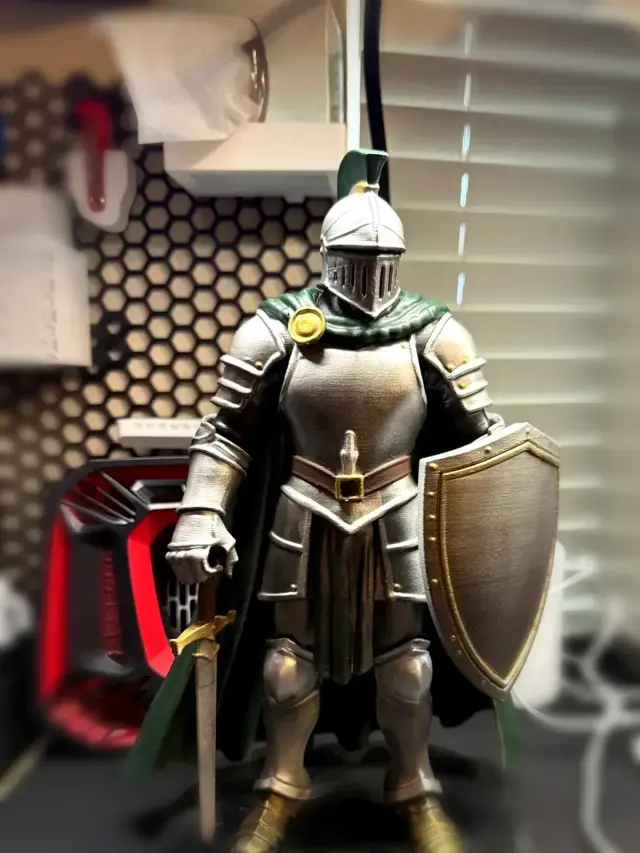
Knight Mascot Statue with Display Base
An armored knight with a sword, shield, cape, and plumed helmet, plus a separate stepped display base. Mini Makers 3D designed it as a school mascot for a class reunion.
MerchantTier lists other people’s models you can legally sell. This page is the other path. These tools help a beginner design a file, print it, and sell the object. No design degree required. The same shop publishes FilamentNook for FDM, ResiNook for resin, and LaserNook for engraving gear.
Can I sell AI prints? Your first sellable design
These are original designs from our shop. We made them in Tripo, printed them, and published the files free on MakerWorld.
An armored knight with a sword, shield, cape, and plumed helmet, plus a separate stepped display base. Mini Makers 3D designed it as a school mascot for a class reunion.
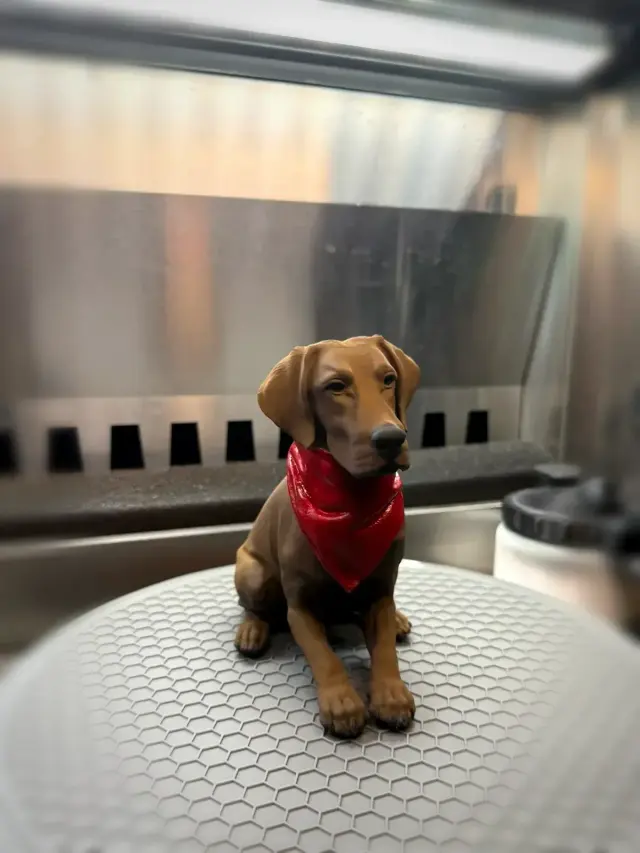
A seated chocolate Labrador in a red bandana. Mini Makers 3D modeled it as a gift. It works as a desk piece or a pet memorial.
Both made with Tripo. Try Tripo free → Sponsored link. Opens in a new tab.
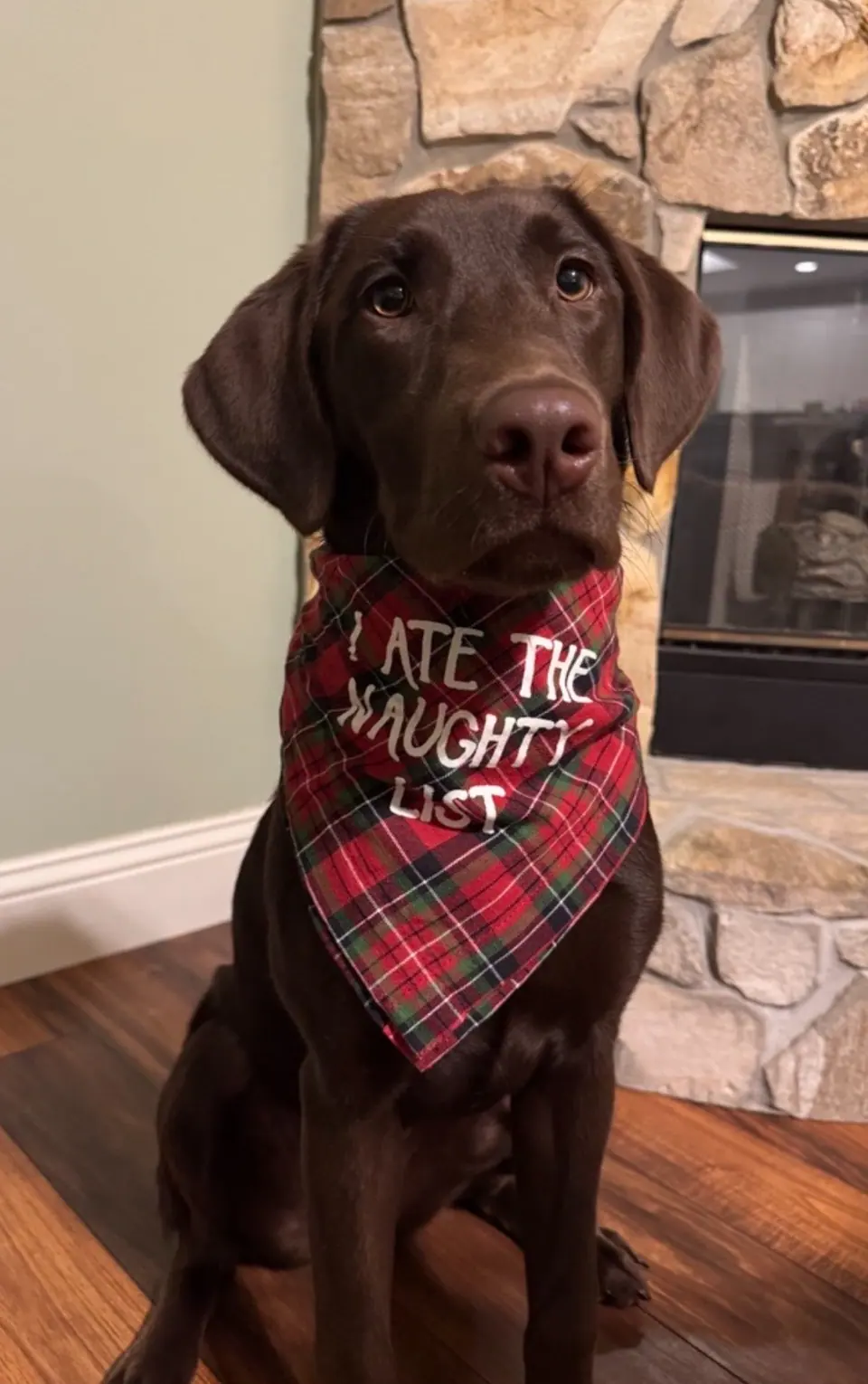
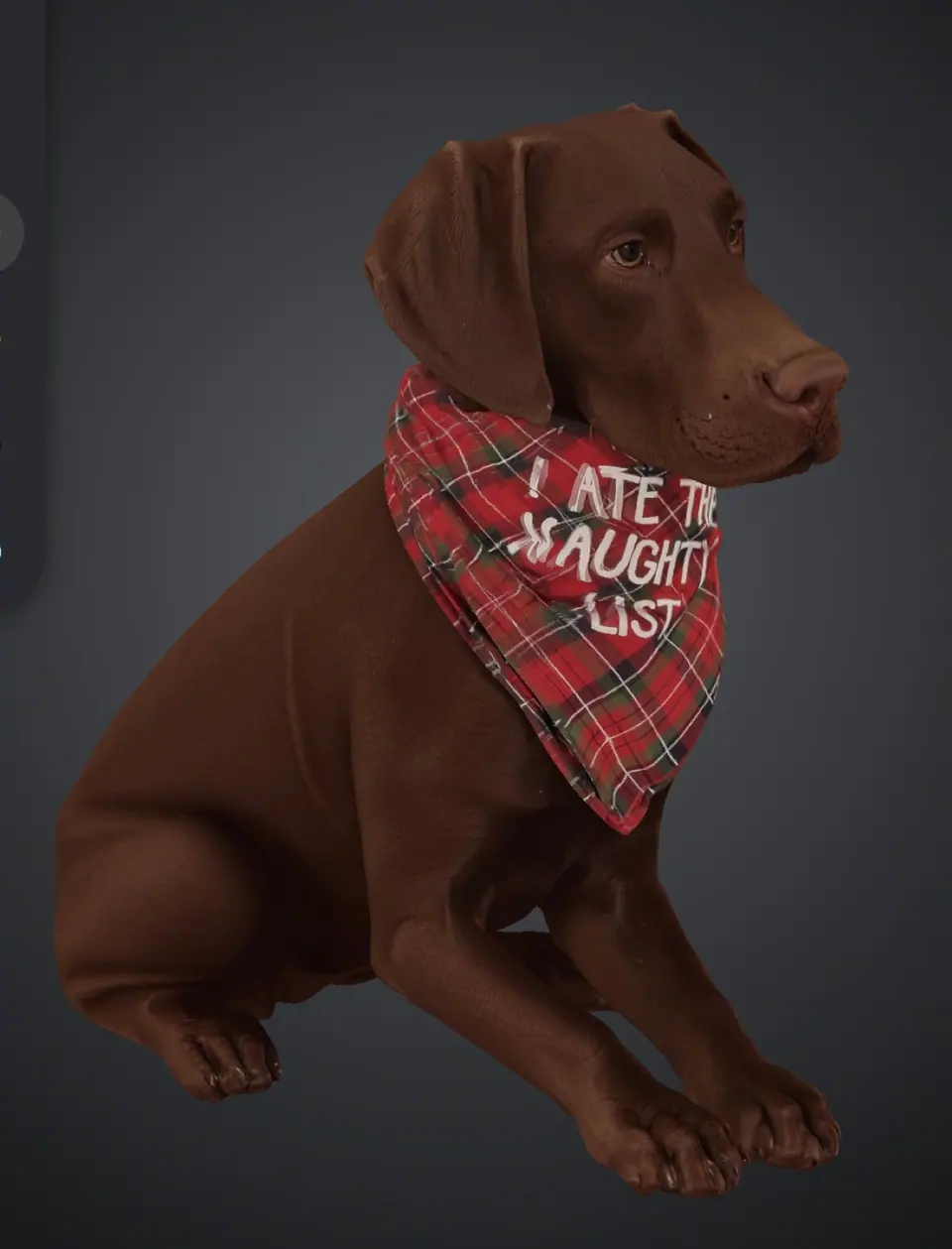
You type a sentence or upload a photo. The tool builds a 3D model. You still clean it up, test print it, and read the license before you sell.
Scores are our beginner take, not a lab test. Open a card for the license rules. Photo credits are on the credits page.
 Meshy Type a prompt or drop in a photo, and Meshy builds a 3D model you can try to print.
 Meshy is a website that turns text or a picture into a 3D model.
Beginners who want a figure or a gift without learning CAD first.
The free plan includes 100 credits a month. Pro is $20 a month. Other paid plans are on the pricing page.
On the free plan, Meshy’s terms put the model under CC BY 4.0. You give Meshy credit if you sell the print. On a paid plan, you own the model. Meshy’s help center also says a free account cannot download the file, so a paid plan may be what lets you take the STL home.
Beginner tip. Generate two or three versions, then fix the base and the thin spots before you slice.
Rules change.
Meshy pricing Meshy terms of use
 Tripo Tripo turns a prompt or a photo into a 3D model, and a paid plan is what lets you sell the print.
 Tripo is a website for text-to-3D and image-to-3D. Mini Makers 3D made the Knight Mascot and the Chocolate Lab in Tripo.
Beginners who want a character, an animal, or a gift, and who will pay for a plan before they sell.
The free plan includes 200 credits a month. Pro is $20 a month when you pay yearly, which is $240 for the year. Higher plans are on the pricing page.
Free-plan models are non-commercial. Tripo’s help page says a paid plan is what lets you sell a physical print.
Beginner tip. Practice on the free plan. Move to a paid plan before you list a print for sale.
These are original designs from our shop. We made them in Tripo, printed them, and published the files free on MakerWorld.
An armored knight with a sword, shield, cape, and plumed helmet, plus a separate stepped display base. Mini Makers 3D designed it as a school mascot for a class reunion.
A seated chocolate Labrador in a red bandana. Mini Makers 3D modeled it as a gift. It works as a desk piece or a pet memorial.
Rules change.
Tripo pricing Tripo commercial-use help
 Hi3D Hi3D turns a photo, a sketch, or a prompt into a 3D model aimed at printing.
 Hi3D is a website that generates 3D models and includes tools aimed at getting a file ready to print.
Beginners who want a printable figure or gift and will read the license before they sell.
Hi3D has a free plan and paid plans. See the current pricing page for dollar amounts.
On the free plan, give credit. Hi3D’s plan comparison lists those models as public under CC BY 4.0. Paid plans are the private, commercial ones.
Beginner tip. If you do not want a credit line on the product, price a paid plan before you design the thing you hope to sell.
Rules change.
Hi3D pricing
 Luma Genie Luma Genie made 3D models from text, and Luma shut it down for new models on January 1, 2026.
 Luma Genie was Luma’s text-to-3D tool. Luma’s app notes say Genie was sunset on January 1, 2026. Older files can still be exported.
People who already have a Genie file and need to know if that file can be sold. It is a poor place to start a new design.
See Luma’s licensing page for whatever plans still exist. This guide does not list a Genie price.
Files made on Free or Lite are personal use only. Commercial rights depend on the plan that was active when the file was created, and they stay with that file if you later change plans. Free and Lite files can keep a watermark.
Beginner tip. If you already have a Genie file, match it to the plan you were on that day. For a new model, use a tool that is still taking prompts.
Rules change.
Luma licensing Luma note on the Genie shutdown
 Hyper3D Rodin Rodin, from Hyper3D, makes a detailed 3D model, and any real use needs a paid plan.
 Hyper3D Rodin turns text or images into a 3D model, with the paid plans aimed at a mesh you can actually export.
Someone who has tried a simpler generator and is ready to pay before they use the result.
You can preview on the free plan. Dollar amounts for paid plans are on Hyper3D’s pricing page.
Any use is on a paid plan. Hyper3D’s pricing page puts unlimited export and any use on the paid plans. The free plan is for looking, not for selling a print.
Beginner tip. Preview until the shape is right, then pay and export the one file you will print.
Rules change.
Hyper3D pricing Hyper3D terms
You build the part from shapes and measurements. This is the path for a hook, a box, a bracket, or anything that has to fit.
Scores are our beginner take, not a lab test. Open a card for the license rules. Photo credits are on the credits page.
 Shapr3D Shapr3D is a CAD app for parts that have to fit, with a free Basic plan and a paid Pro plan.
 Shapr3D is a solid-modeling app. You sketch a shape and pull it into a part. It runs on iPad, Mac, and Windows.
Beginners who want a real part, especially on an iPad, and who can learn inside two projects.
Basic is free. Pro is about $299 a year. Basic allows two projects and exports a low-resolution STL or 3MF.
Shapr3D’s Basic help page does not list a ban on selling prints. Read the current terms anyway. Basic only exports a low-resolution STL or 3MF, and you only get two projects. Pro is the plan with a full export.
Beginner tip. Measure one useful thing, such as a hook or a lid, and export the STL before you start a second project.
Rules change.
Shapr3D pricing Shapr3D Basic help
 Autodesk Fusion Fusion is full CAD for real parts, and the personal plan cannot be used to sell.
 Autodesk Fusion is professional CAD for parts that assemble, move, and get manufactured.
A shop that needs real mechanical CAD, or someone who will spend weeks learning. It is a rough first app.
A paid Fusion subscription is about $680 a year. The personal plan is free only for people who qualify, and it is not a selling plan.
Autodesk’s personal-use page says that plan is for home-based, non-commercial projects. It points people who earn more than $1,000 a year, or who use Fusion for commercial work, to a paid subscription. Do not sell parts you designed on the personal plan.
Beginner tip. If you might sell the part, price the paid plan first. Learning on the personal plan and then selling that file is the mistake.
Rules change.
Fusion personal-use terms
 Onshape Onshape is CAD in the browser, and the free plan is public and non-commercial.
 Onshape is professional CAD that runs in a browser, with version history on every file.
People who want real CAD on any computer and can accept that free files are public.
The free plan costs $0 and is limited to non-commercial work. Paid plans are what allow commercial use. See current pricing.
Onshape’s pricing page says the free plan is non-commercial, and every free document is public. Selling a print is commercial use, so it needs a paid plan. Anyone can open a free-plan file.
Beginner tip. Use the free plan to learn the tools. Before you design something you might sell, read the paid-plan price.
Rules change.
Onshape pricing
 Tinkercad Tinkercad is free block-building CAD in the browser, and it is the easiest place to start a simple part.
 Tinkercad is Autodesk’s beginner CAD site. You group and cut basic shapes until they become a part.
Absolute beginners making a sign, a box, a keychain, a cookie cutter, or a simple bracket.
Tinkercad is free.
A part you model yourself is yours to print and sell. If you remix a model from the Tinkercad gallery, that model’s license wins. Some gallery files are not for selling.
Beginner tip. If you plan to sell it, model it from scratch with your own measurements.
Rules change.
Tinkercad Tinkercad remix licenses
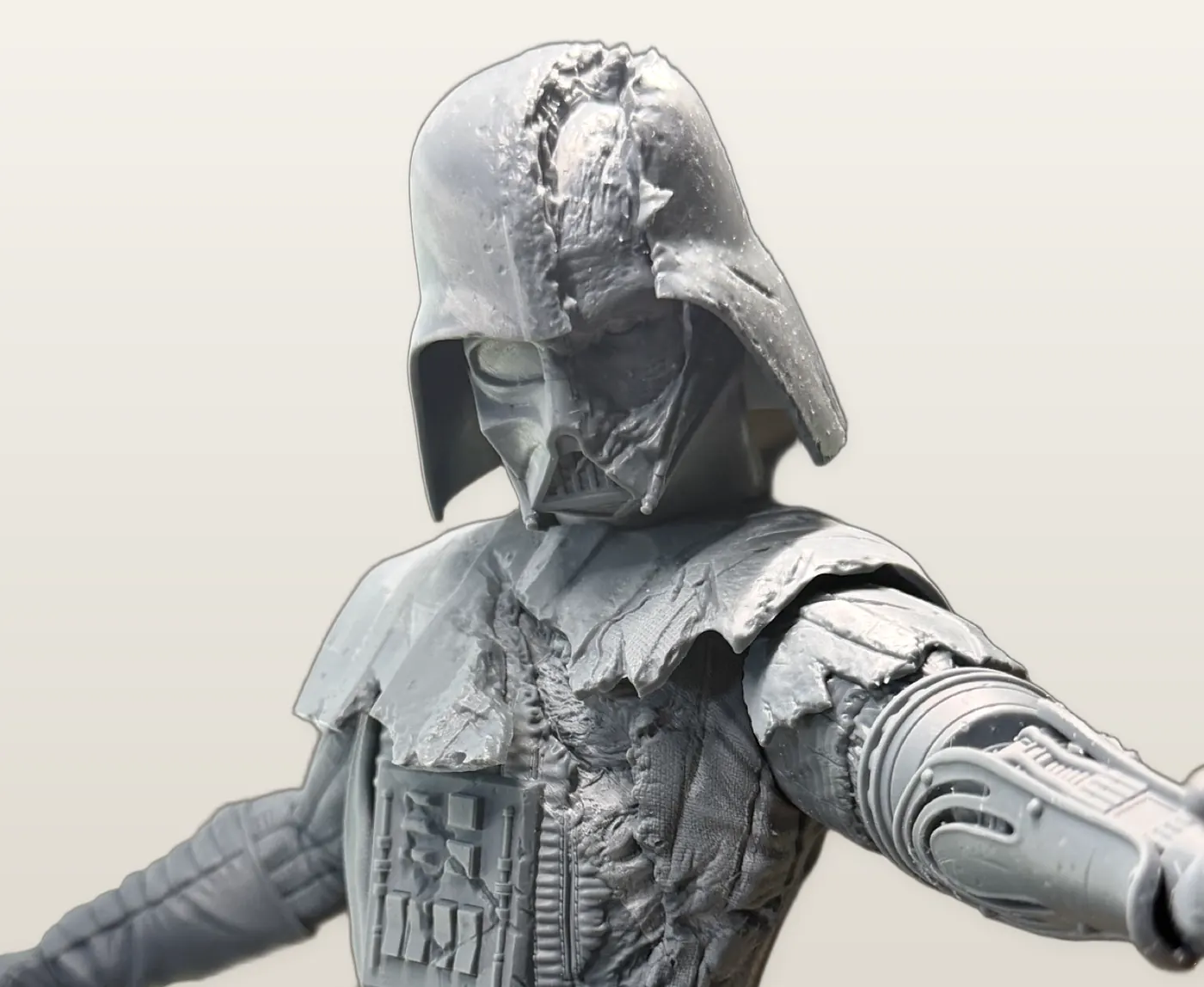
You push and pull a digital lump of clay. This is the path for a creature, a bust, or a mini. The mesh usually needs a cleanup before it prints.
Scores are our beginner take, not a lab test. Open a card for the license rules. Photo credits are on the credits page.
 Blender Blender is free software for sculpting, modeling, and cleanup, and it takes time to learn.
 Blender is a free 3D program. People sculpt in it, model in it, and use it to repair a file that came out of an AI tool.
Anyone who will practice, and anyone who needs a free way to fix holes, scale, and thickness.
Blender is free. There is no paid tier.
You can sell prints of models you make in Blender. Blender’s license covers the program, not your artwork. You still cannot sell a trademarked character, or an AI file whose own tool forbids it.
Beginner tip. Use Blender first as the cleanup bench for a Tripo or Meshy model. Sculpt a whole figure in it after that feels normal.
Rules change.
Blender license
 Nomad Sculpt Nomad Sculpt lets you sculpt a figure on a tablet, more like clay than like CAD.
 Nomad Sculpt is a sculpting app for iPad and Android. You push, pull, and smooth a figure with a finger or a pencil.
People who want creatures and minis on a tablet and do not want Blender’s full interface yet.
Nomad Sculpt is a paid app. See current pricing on the official site.
There is no free plan to sell from. After you buy the app, figures you sculpt are yours to print, as long as the character is not someone else’s trademark. Do not treat a trial as a license to sell.
Beginner tip. Give feet, capes, and swords more thickness than looks right on the screen.
Rules change.
Nomad Sculpt
 ZBrush ZBrush is professional sculpting software for figures, and it is more tool than a first mini needs.
 ZBrush, from Maxon, is the sculpting program studios use when a figure needs dense detail.
Sculptors who already want a career tool. Most side hustles should start in Nomad Sculpt or Blender.
See current pricing on Maxon’s site.
ZBrush is paid software. This guide is not pointing sellers at a free plan. Sculptures you make are yours. The character still cannot be a trademark you do not own.
Beginner tip. Finish and sell one simpler figure before you pay for ZBrush. The software will not make the first sale faster.
Rules change.
ZBrush
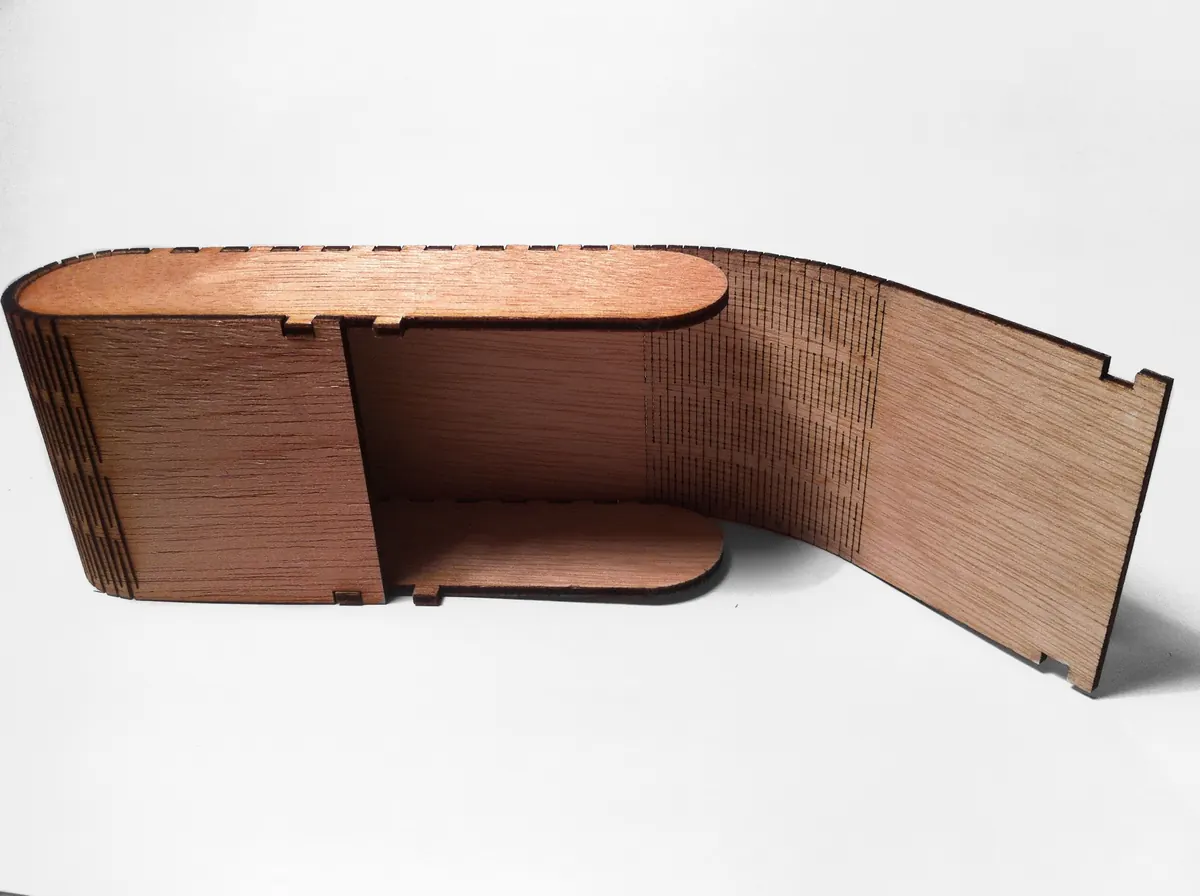
You draw flat shapes, and a laser cuts or engraves them. For these tools, a high print-ready score means the drawing is ready to cut or engrave.
Scores are our beginner take, not a lab test. Open a card for the license rules. Photo credits are on the credits page.
 LightBurn LightBurn sends your drawing to a laser, and you buy the license once.
 LightBurn is the program most diode and CO2 laser owners use to set up a cut or an engraving and send it to the machine.
People whose laser is on LightBurn’s supported list and who want one paid app to drive it.
LightBurn Core is $99 and Pro is $199, paid once. Check the shop page in case those prices move.
There is no free plan for ongoing use. A trial is not a plan you build a shop on. Drawings you make are yours to sell as physical items. Read the current license if you are unsure.
Beginner tip. Draw the cut as a closed path, then run scrap before you cut the good sheet.
Rules change.
LightBurn
 Inkscape Inkscape is a free drawing program for the shapes a laser will cut or engrave.
 Inkscape is free software for vector drawing. You make the shapes, then export an SVG for LightBurn or for the laser’s own app.
Beginners who want a sign, a stencil, or an earring and do not want to pay before they know if they like the work.
Inkscape is free.
You can sell physical items from drawings you make in Inkscape. Its license covers the program, not your artwork. A drawing that copies a trademark is still a trademark problem.
Beginner tip. Put cuts and engraves on separate colors so the laser software can treat them differently.
Rules change.
Inkscape license
 xTool Creative Space xTool Creative Space is the free drawing app that drives an xTool laser.
 xTool Creative Space is xTool’s app. You draw or import a shape, pick a material setting, and send the job to an xTool machine.
Beginners who already have an xTool and want the simplest app that knows that machine.
The app is free. See xTool’s site for the current download. This guide does not list a price for add-ons.
Designs you draw yourself are yours to sell as physical goods. The app is not permission to copy someone else’s artwork. If you start from xTool’s project gallery, read that project’s rules.
Beginner tip. Engrave your own simple shape on scrap before you cut a design you hope to sell.
Rules change.
xTool
These are files someone else already made. They are separate from the design programs above.
 Creative Fabrica
 Creative Fabrica sells ready-made 3D print files, plus fonts and graphics. It is a download shop, not a program for drawing the model. Check the license on the file before you sell the print.
Updated 2026-10-23. Prices named on this page are Meshy Pro at $20 a month, Tripo Pro at $20 a month billed yearly, Shapr3D Pro at about $299 a year, Fusion at about $680 a year, and LightBurn Core at $99 or Pro at $199 once. Every other price says see current pricing.
Some links on this page are affiliate links. If you buy through them, MerchantTier may earn a commission at no extra cost to you. Plans and rules change, so check each tool's current terms before you sell.